

Create a Sync Timer
Click SWO Sync Timer List in the administration menu.
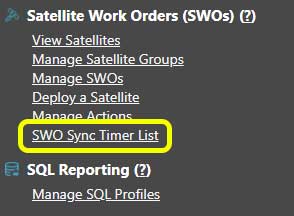
SWO Sync Timer List menu link
Enter Timer Criteria
There are three main elements to creating a sync timer.
1. Name
Enter a reference name for the timer. This is used to identify it elsewhere in the product.
2. Timer Function
Count up timers are used to ensure tasks do not run at the same time.
Count down timers are used to ensure tasks are synced to start together.
3. Sync Time
This is the time, in minutes, that MCS will enforce to either sync or separate tasks. For example, if a count down timer is set to ten minutes, MCS will wait for ten minutes to see if any other similar tasks come in and then ensure they all start together.
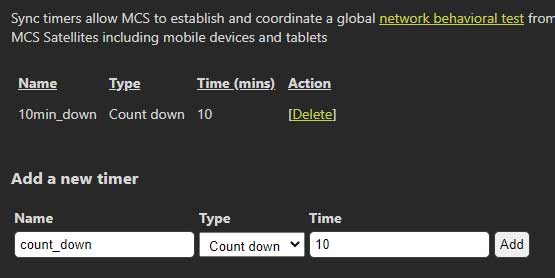
Create a new sync timer
Click Add to finalize the sync timer.
Assign Sync Timer to a Task
This tutorial shows an example of adding a count down sync timer.