

Go to User Privileges
Click the
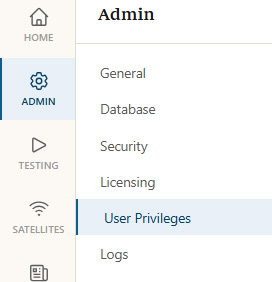
User Privileges option in Administration panel
Modify Admin
Click the
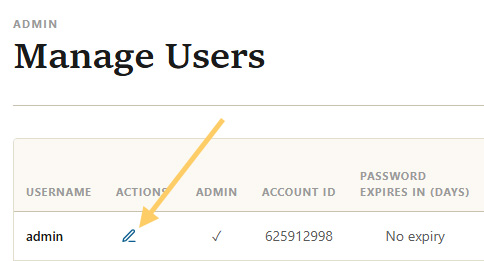
Modify icon for admin user
Change Password
Enter a new password for the admin user that matches the criteria displayed on the page. Then scroll down to the bottom of the page to save the change.
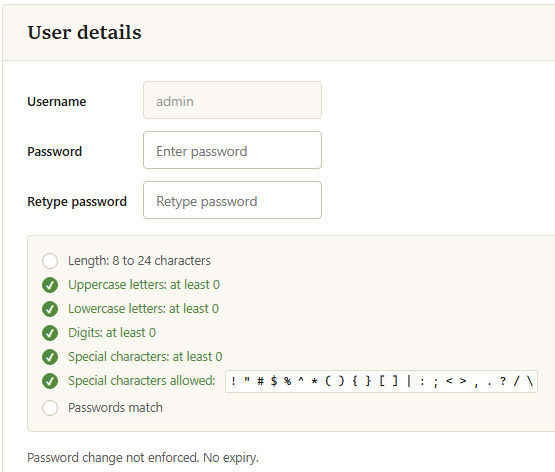
Password change form