

Download Contact Sales
Tutorial

View SWO Test Results

Access and view test results from Satellite Work Order executions.

Manage work orders

Hover over the Satellites menu item and then click Manage under the work orders section.
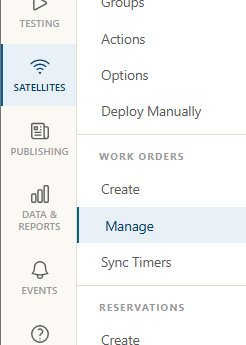
Manage work orders menu item
Manage Work Orders

Work order results link

Click the Result link next to the work order to review the results for that work order specifically.
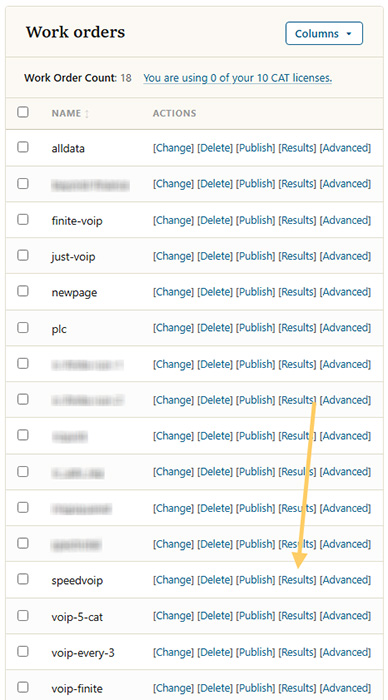
work order results link
Results link for a work order

View Results

All the results for that work order will now appear in the reporting section. The Show filters button near the top can be used to change the time frame of the results. The default is last hour. Other report filters can also be applied.
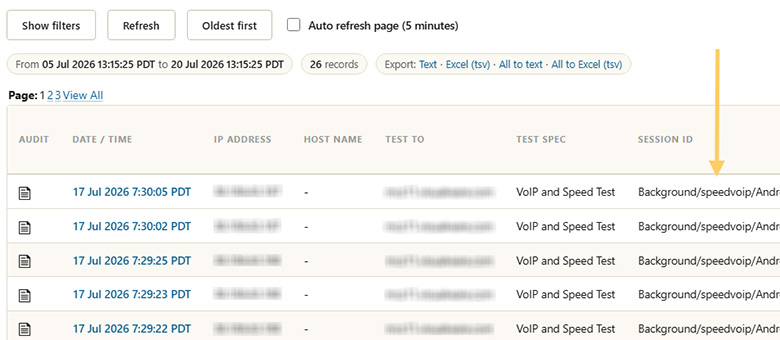
Work order results display
Work order results