

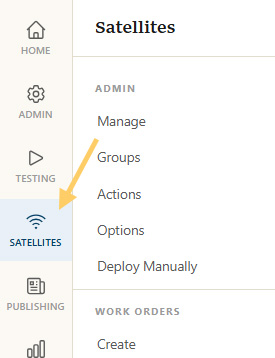
Satellites Tab
Click on the
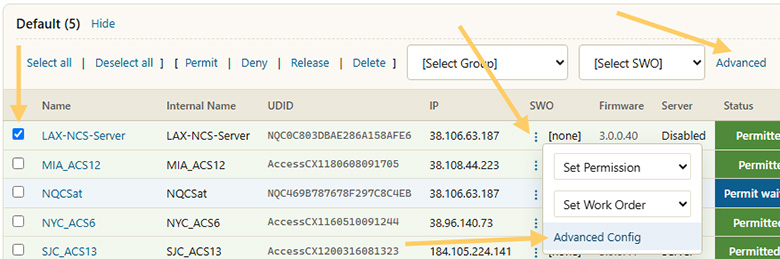
Select Satellite(s)
Go to the advanced config by either
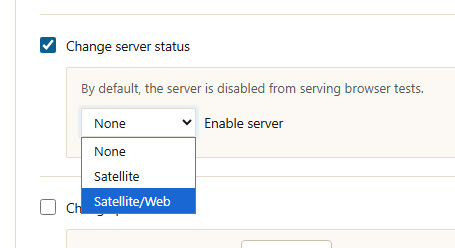
Change Server Settings
Check the
Click Apply Changes at the bottom of the page to finish.
Server Status
The Server Status should now have changed to Enabled. Satellites check in with the server every couple of minutes, so there will be a slight delay before the new status is picked up.
Once updated, a browser test should appear when browsing to the satellite. The admin menu can still be accessed by navigating to /myspeed/admin (e.g., https://yoursatellite.com/myspeed/admin).
