

Reporting Tab
Hover over the
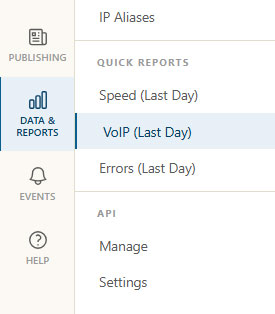
Quick Report for VoIP
Overview
The overview page has some menu items to allow easy access to the various test types MCS offers. The summary reports can be used to see how data has performed over time and event reports show how often events have been tripped.
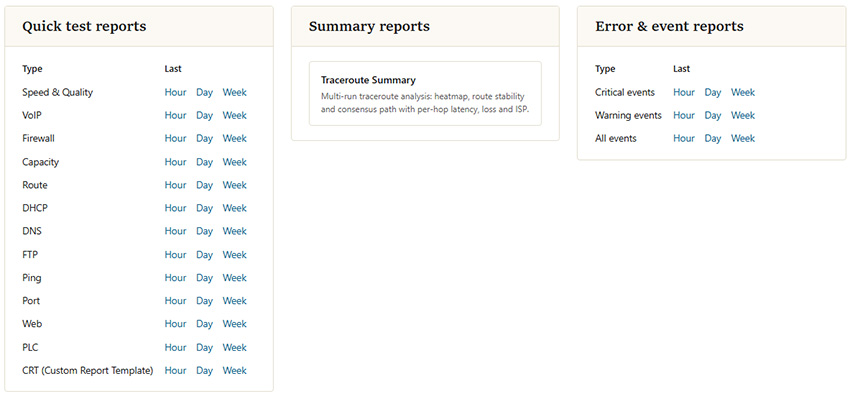
Reporting Overview
Results
An example report is shown below.
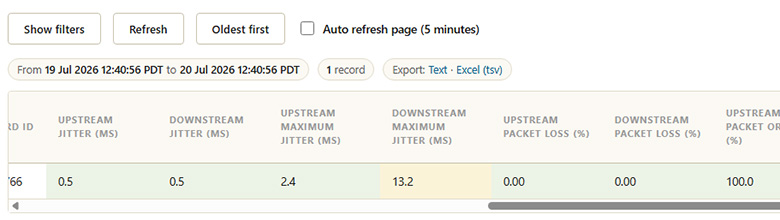
VoIP results
Custom Results
Custom reports (like filtering by more than one test type, session ID, etc.) are easily achieved. Click the
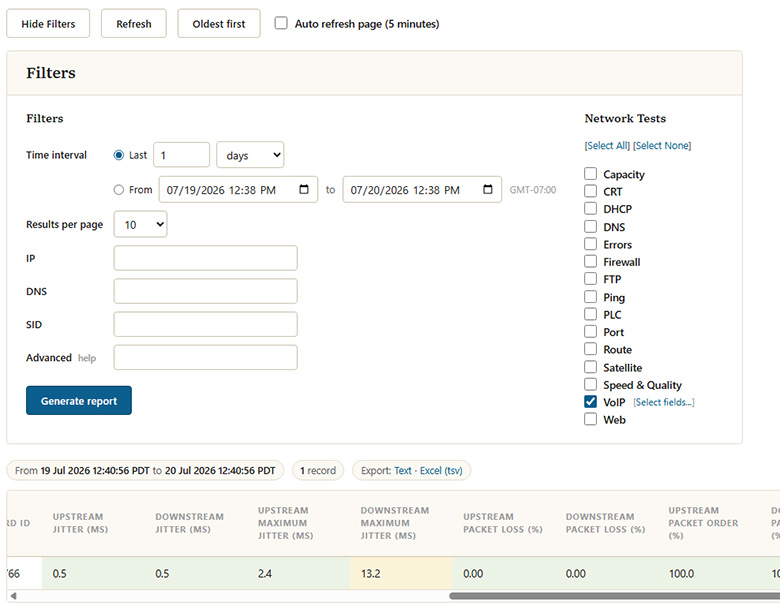
VoIP report with filters