

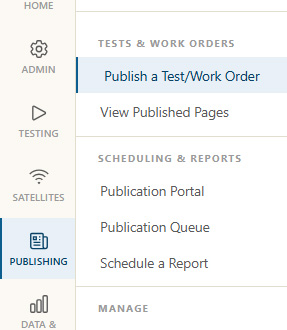
Click Publish Link
Click
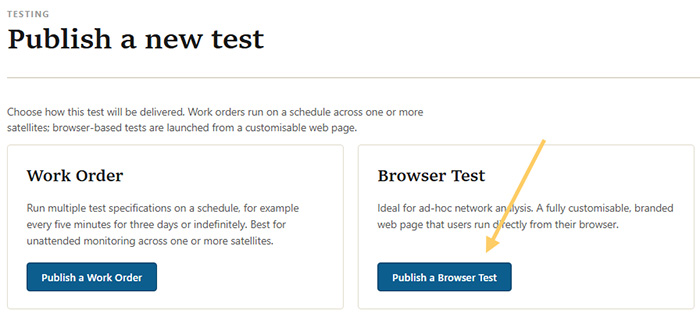
Choose Web Page
Click the Publish a Browser Test button.
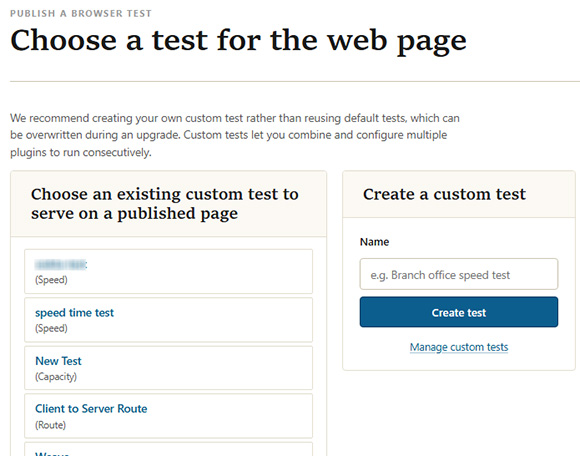
Select Test to Run
Click a custom test to run or create one. The left side column contains custom tests that have been created already and the right side column provides an input field to create a new test.
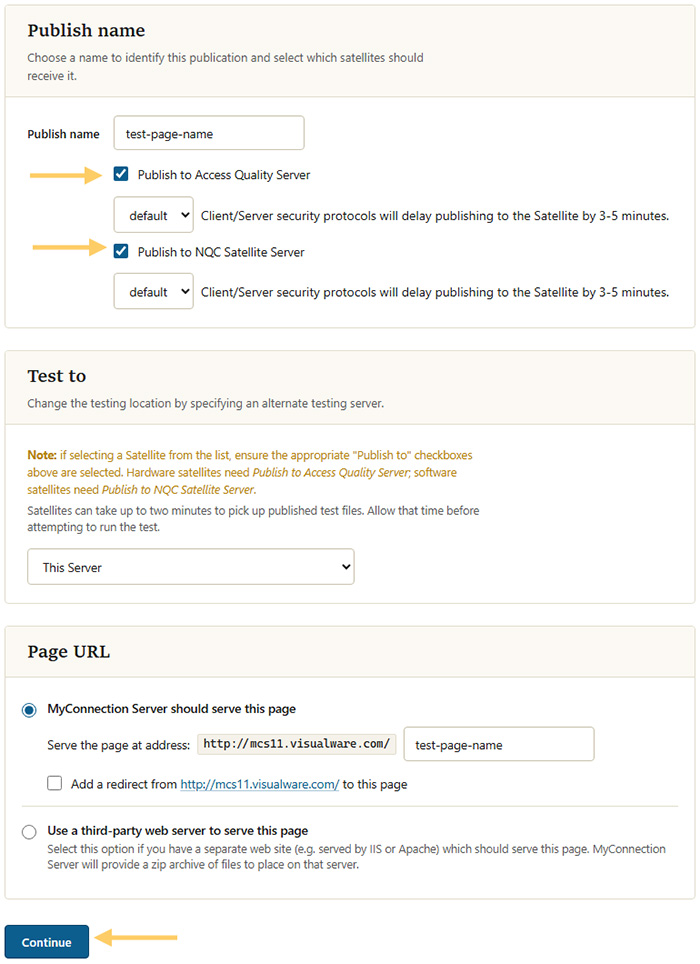
Choose Publish Options
To publish to an Access Device, check the Access Quality Server box. To publish to an NQC Satellite Server, check the NQC Satellite Server box.
Click the
Published
It will likely take a couple of minutes for the Satellites to pick up the newly published test.
Satellites must have server capability enabled to be able to serve a browser test.