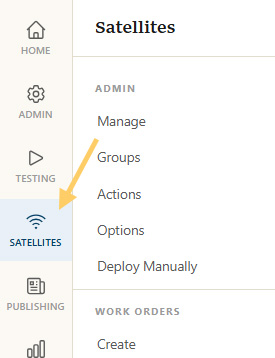
Satellites Menu
Click on the
Click Permit for Satellite(s)
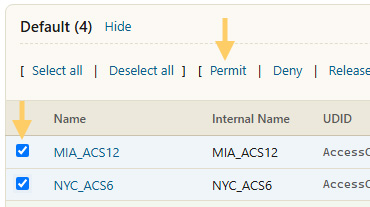
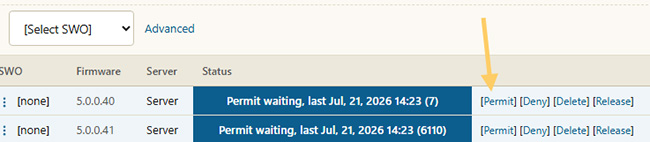
Permitting a NCS can be done one by one or in bulk.
To permit in bulk,
To permit one by one, click the individual
Confirm Permit
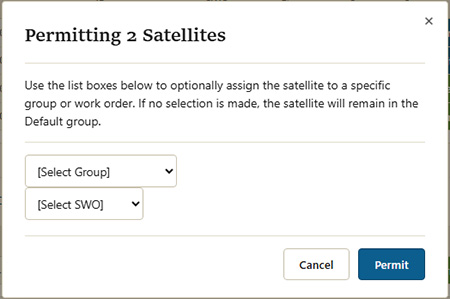
After a Permit link has been clicked, a dialog will appear to confirm the permit. This dialog also has two quick action items:
Group: The first dropdown will place the Satellite in a group. With potentially thousands of satellites, grouping becomes important for organization.
SWO: A Satellite Work Order is a statement of work. For example, an SWO could contain instructions to perform a Speed test every 5 minutes and a VoIP test every 10 minutes. The dropdown will auto-assign an SWO to all selected Satellites at the time of the permit.
Permission Granted
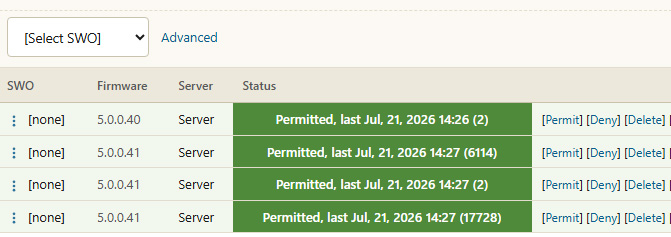
When a NCS is permitted and connected, it will appear as green with a last connected timestamp.