Overview
Satellites have the ability to use ports other than the global ports set in MCS. This is controlled at the central MCS portal.
Advanced Settings
Click on the
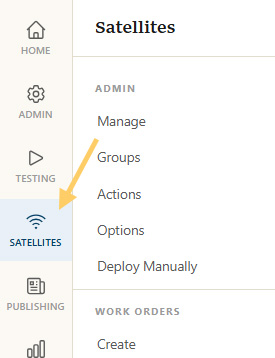
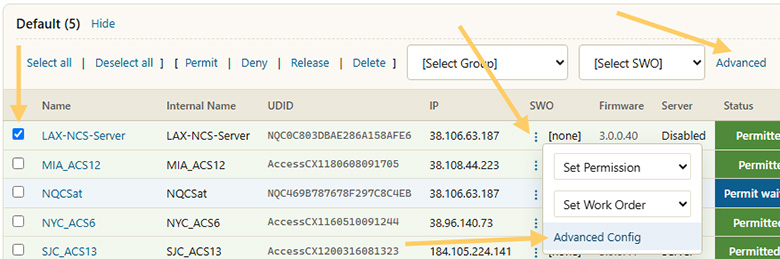
A satellite must be enabled as a server before changing the assigned ports. Go to the advanced config by either
Update Ports
Scroll down to the
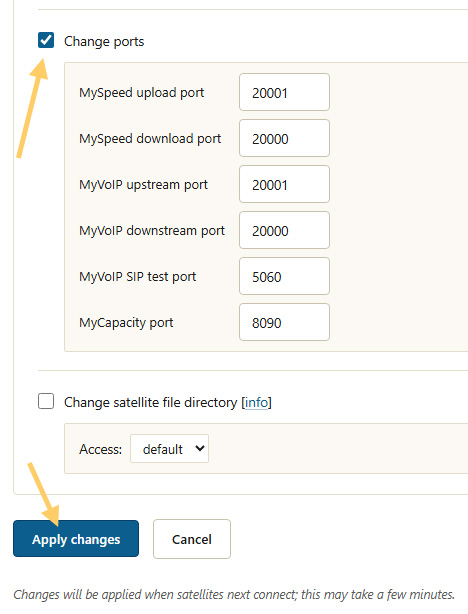
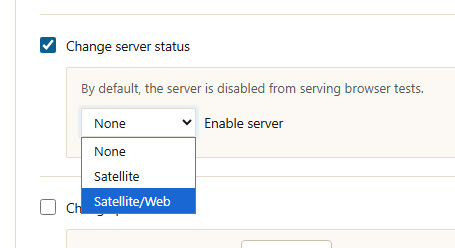
Note: The server mode setting is also part of this section and does not automatically reflect the current setting. To keep the existing server mode, it must be set to match the current configuration.
To verify the current setting, check the top of the page where the current satellite settings are listed and locate the Server Status column.

Match the server mode setting based on the current status:
| Current Server Status | Set To |
|---|---|
| Disabled | None |
| Satellite | Satellite |
| Enabled | Satellite/Web |