

Overview
When an NCS operates in Satellite mode, it functions as a testing endpoint for assessment tasks using work orders. This functionality is governed by the CAT license model and does not require a separate Satellite Server license. However, if the Satellite is used to serve web pages for browser-based testing, Server mode must be enabled.
Satellites Tab
Click on the
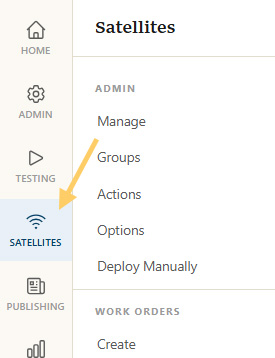
Select Satellite(s)
Go to the advanced config by either
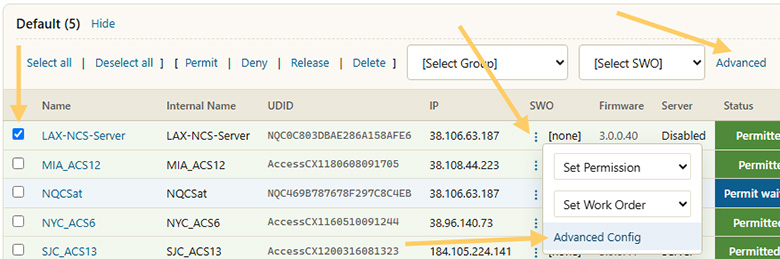
Change Server Settings
Check the Change Server Setting box near the bottom of the page and select Satellite from the dropdown menu.
Click Apply Changes at the bottom of the page to finish.
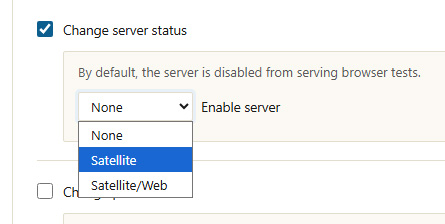
Server Status
The Server Status should now have changed to Satellite. Satellites check in with the server every couple of minutes, so there will be a slight delay before the new status is picked up. Once updated, work orders can be set up to run tests to this NCS.
