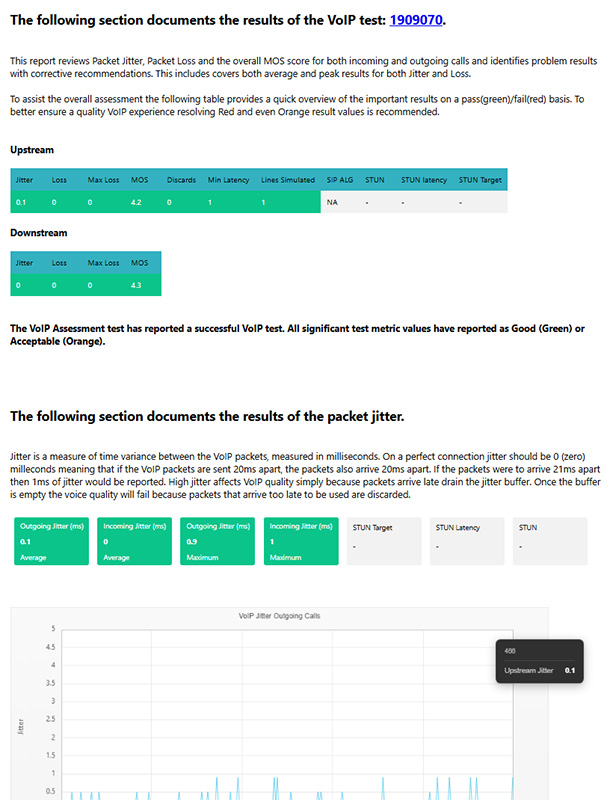
Custom Report Templates
Click the
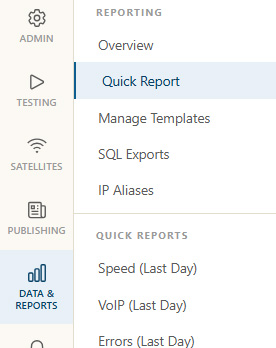
Choose Report Settings
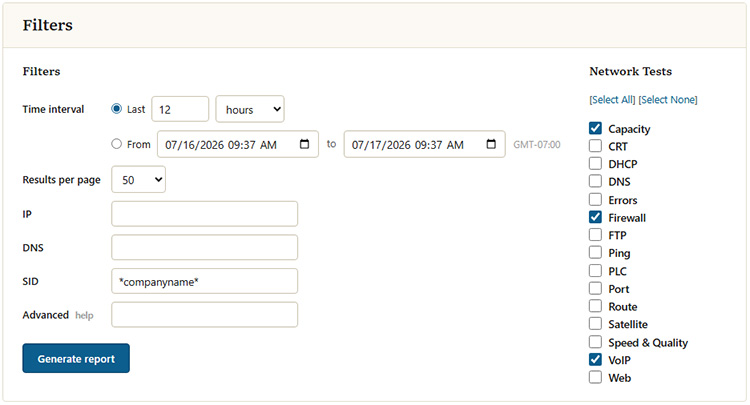
Some basic options are shown below to run a quick report.
By default, all test types come checked. To narrow down the report, click the select none link and then check the tests to include in the report.
Next, choose the time frame for the report. In this example, the report will list all results for the last 24 hours.
A session ID (SID) is optional but can be useful in narrowing down reports.
Once all the settings have been chosen, click Generate Report.
Report Results
Below is an example of the default tabular report.
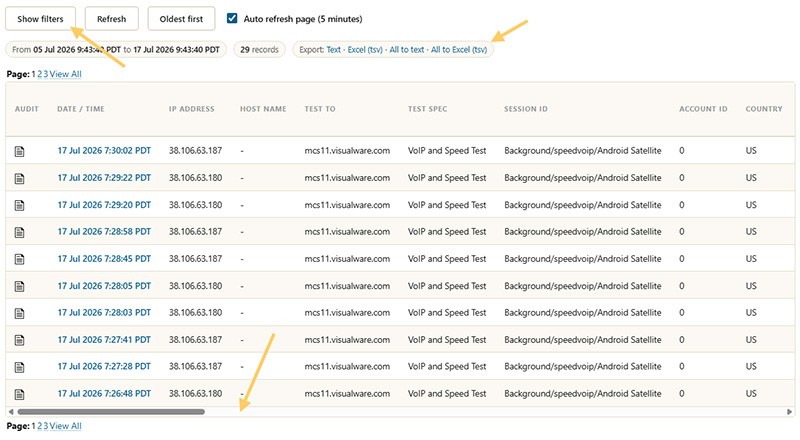
To generate new reports click the
Export options can be found just above the results table.
The horizontal scroll bar appears at the bottom. Scrolling to the right will show the results of each test.
Detailed Report
The best way to get an overall view of the data with some expert analysis is to