

Set an Action
The Actions option lets you run an action automatically when this test specification has completed. An action can publish a report or set a condition.
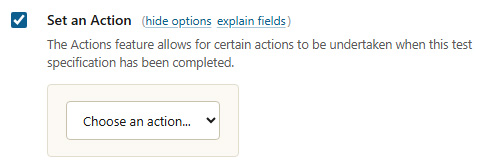
Set an Action
| Option | Description |
|---|---|
| Choose an action | Select an existing action to run when the test completes. The drop-down lists the actions already defined in MCS. |
Actions are created and edited separately. See Create or Modify an Action for how to build the action this option runs, and Manage Actions to view the full list.