

API settings
The API Settings page holds the options that apply to the HTTP API as a whole, independently of any individual key. These defaults keep the API predictable and protect the server from excessive load.
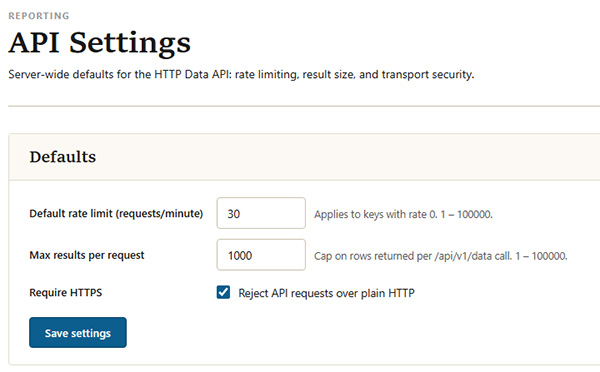
The API Settings page
| Setting | Description |
|---|---|
| API enabled | The master switch for the HTTP API. It is off by default; while off, no key can be used. This is the same toggle shown on the API Keys page. |
| Default rate limit | The number of requests per minute allowed for any key that does not define its own rate limit. It applies to keys whose rate limit is set to 0. |
| Maximum page size | The largest number of records the data endpoint will return in a single response. Requests asking for more than this are capped to it, and the remaining records are retrieved with pagination. |
| Require HTTPS | When enabled, API requests must be made over HTTPS; plain HTTP requests are rejected. This is enabled by default and should normally be left on. |
Each value is validated against sensible limits when saved, so an out-of-range entry is corrected rather than accepted.