

How it works
Data controls govern who can see public report data in MyConnection Server (MCS). Public reports are results recorded against account ID zero, which is the account used for anonymous, browser-based public tests.
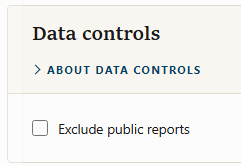
Data controls
Exclude public reports
When
Note: For this control to have any effect, the public user must not have database access. If the public user has database privilege, public results remain visible.
Tick the option and click