

How it works
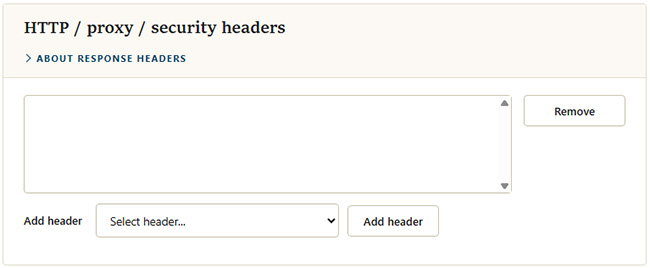
This section lets an administrator add custom HTTP headers to every response MyConnection Server (MCS) sends. It is typically used to apply security response headers such as a content security policy. Choose from a list of common headers or enter your own.
Warning: MCS is a purpose-built web service, not a general web server such as IIS or Apache. Some headers can impose restrictions that interfere with normal MCS operation, so add them one at a time and confirm testing and administration still work.
Adding a header
Pick an entry from the
X-Content-Type-Options: nosniffContent-Security-Policy: default-src 'self'X-XSS-Protection HTTP: 1; mode=block
Choose
Select any entry in the list and click