

How it works
MyConnection Server (MCS) only processes URL requests from clients that present a permitted User-Agent header. Recognised web browsers are permitted by default, which blocks many automated tools and scanners that do not identify themselves as a browser.
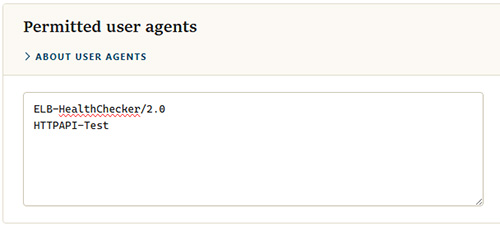
Some legitimate non-browser clients still need access, such as load balancer health checkers, monitoring tools, and API clients. List their user-agent strings here to allow them through.
Permitted user agents
Adding permitted agents
Enter one user-agent string per line in the text area, for example:
ELB-HealthChecker/2.0HTTPAPI-Test
Click