

Display options
This section controls an optional link that MyConnection Server (MCS) can add to database reports.
Display options
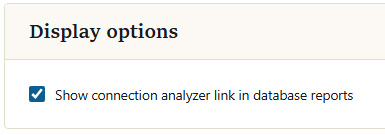
Show connection analyzer link in database reports
When enabled, database reports include a link that opens the connection analyzer for a result, giving a deeper, visual breakdown of that test. When disabled, the link is hidden and reports show the standard result data only.
Tick or clear the option, then click