

Cleanup Options
Cleanup options
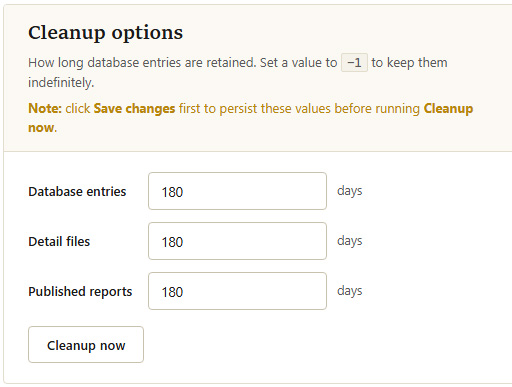
By default, MCS keeps data indefinitely. Setting retention limits that align with your data access requirements is strongly advised. Each value is the number of days to keep that data type (for example, 180 retains the last six months). Set a value to -1 to keep that data type indefinitely.
| Data Type | Description |
|---|---|
| Database entries | High-level data shown in the standard tabular format when viewing data under the reporting tab. |
| Detail files | Low-level data used to build the graphs in detailed reports. Detail data takes up the most space. |
| Published reports | Reports that have been automatically published through MCS. Individual reports can also have their own expiry settings. |
Use
Note: Changes to these settings are not saved until you click