

How it works
MyConnection Server (MCS) writes several types of log file. These limits cap how much disk space the logs can use by controlling how many files of each type are kept and how large each file may grow before it rotates.
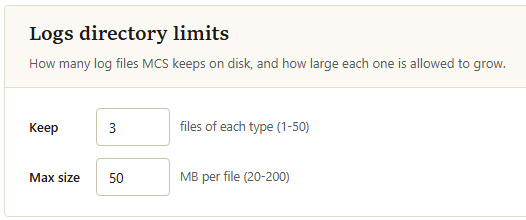
Logs directory limits
Settings
| Setting | Description |
|---|---|
| Keep | How many files to retain for each type of log. When a new file is started, the oldest beyond this count is removed. Accepts a value from 1 to 50. |
| Max size | The maximum size, in megabytes, a single log file may reach before MCS rotates to a new one. Accepts a value from 20 to 200. |
The two limits combine to bound the disk used per log type. For example, keeping 3 files at 50 MB each caps that log type at roughly 150 MB. Click