

Reporting Tab
Click the Reporting tab from the MCS main menu.
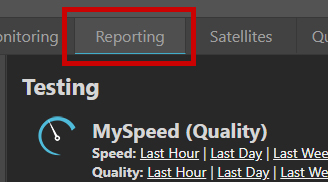
Reporting tab
Choose a Report
The reporting page is simply a list of standard reports by test type.
In this example, a last hour report for Speed was chosen.
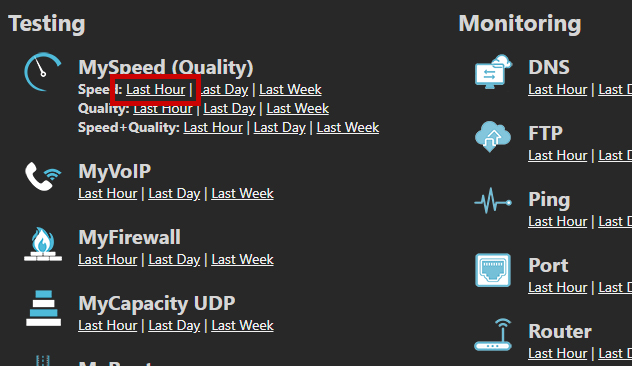
Selecting a Speed report
Results
An example report is shown below. The screenshot has been split into two to fit the page format. In MCS it will all be on one line.
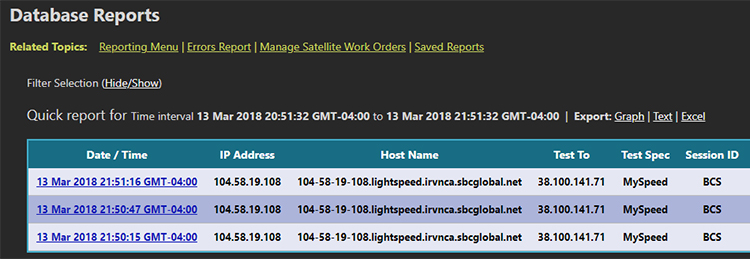
Results table (part 1)

Results table (part 2)
Custom Results
Custom reports (like filtering by more than one test type, session ID, etc.) are easily achieved. Click the hide/show link to reveal all the available options.
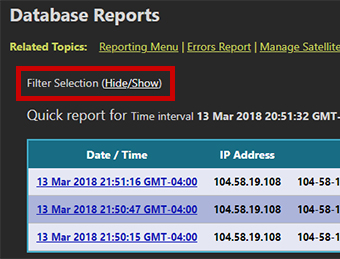
Hide/show link
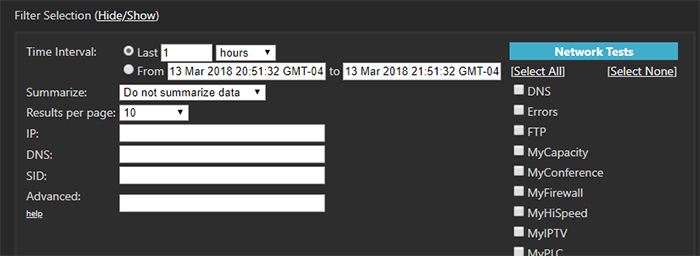
Custom report options