

Task Options
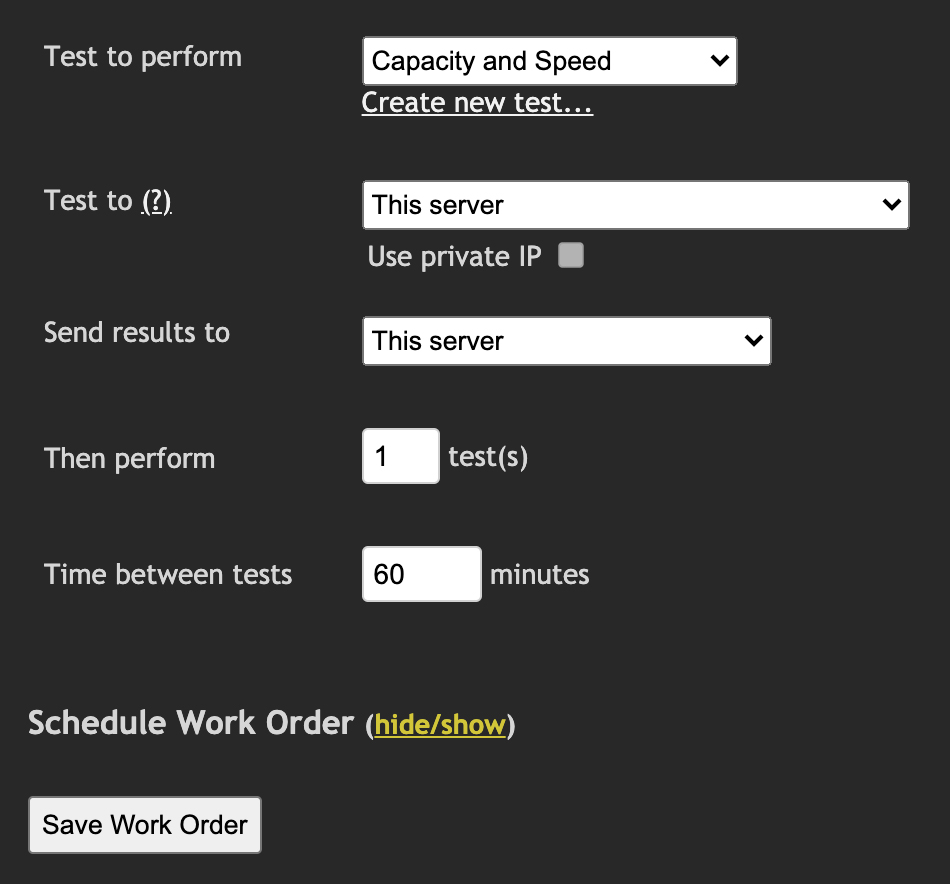
Fig 1. Modify scheduled task main options
| Field | Description |
|---|---|
| Test to perform | Choose the test this task should run from the drop-down list. To create a new test, click |
| Test To | Select the desired test destination. The drop-down contains any satellites currently connected and permitted as a server, plus an option to enter custom satellite details. Use the
|
| Send results to | Results can be sent to another MCS installation if required. Specify the IP/domain and password here. |
| Then perform & time between tests | Specify how many tests to run and the wait time between each. For example, setting 4 tests and 15 minutes means the work order will run a test, wait 15 minutes, then run another test until all 4 are complete. |
Schedule Work Order
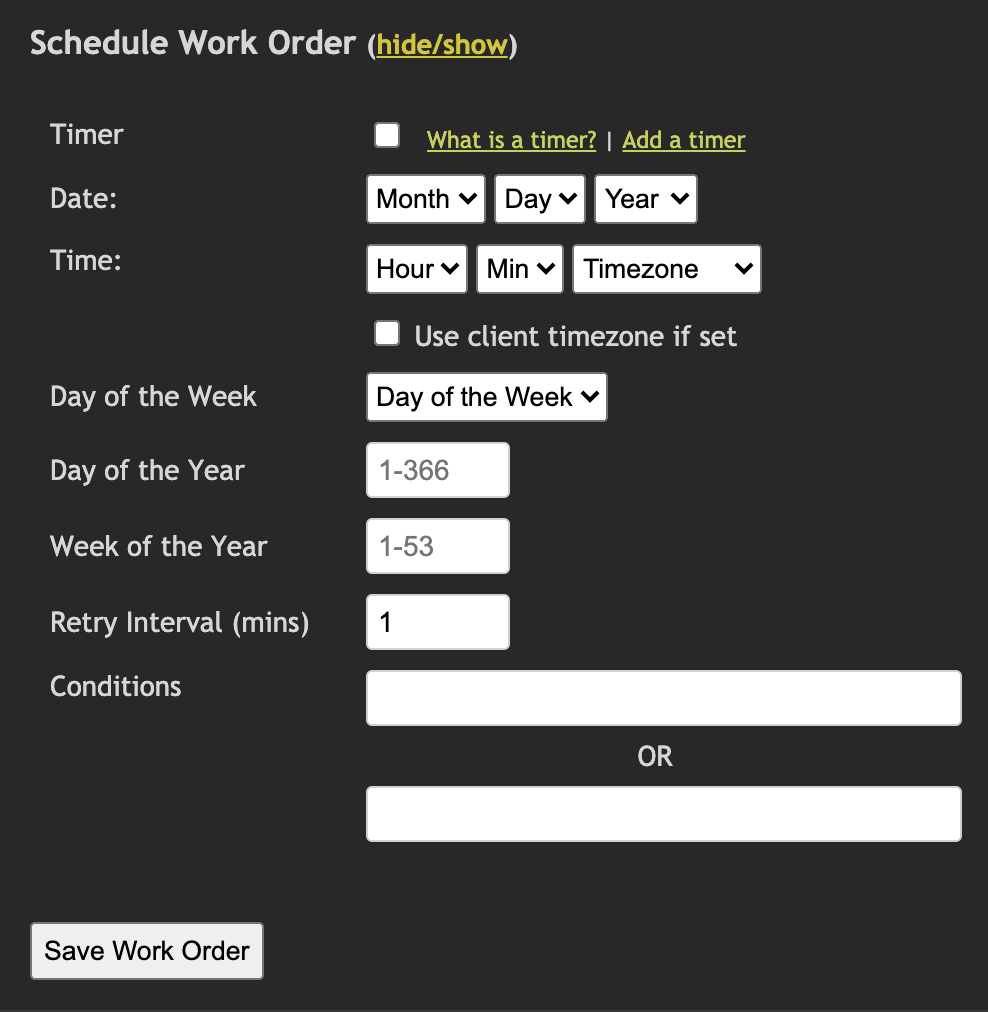
Fig 2. Schedule Work Order
To run the work order at a specific date and time, or when a specific set of calendar conditions are true or false, use the schedule section.
It is also possible to sync the work order to other devices so they all run at the same time. See SWO Sync List for details.