

Configuration
The speed configuration options for MCS are shown in the image below.
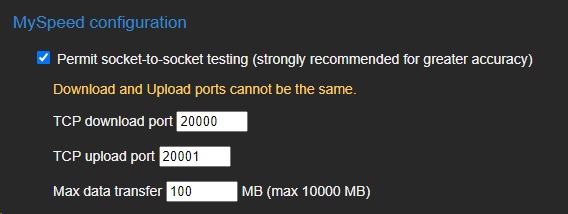
General config for Speed test
Settings
| Setting | Description |
|---|---|
| Permit checkbox | To disable speed testing entirely, uncheck this box. |
| TCP Download/Upload Ports | These ports must be open to allow connections to MCS for the speed test. The download and upload ports cannot be the same. |
| Max data transfer | Limits the maximum amount of data the test can use. Once the test exceeds this, it will stop. |
Note: Any changes to these settings will not be saved until you click the